
World IPTV Player
Activate your device, add your playlist, and enjoy your own media on any screen.
Media player only. No channels or playlists included.
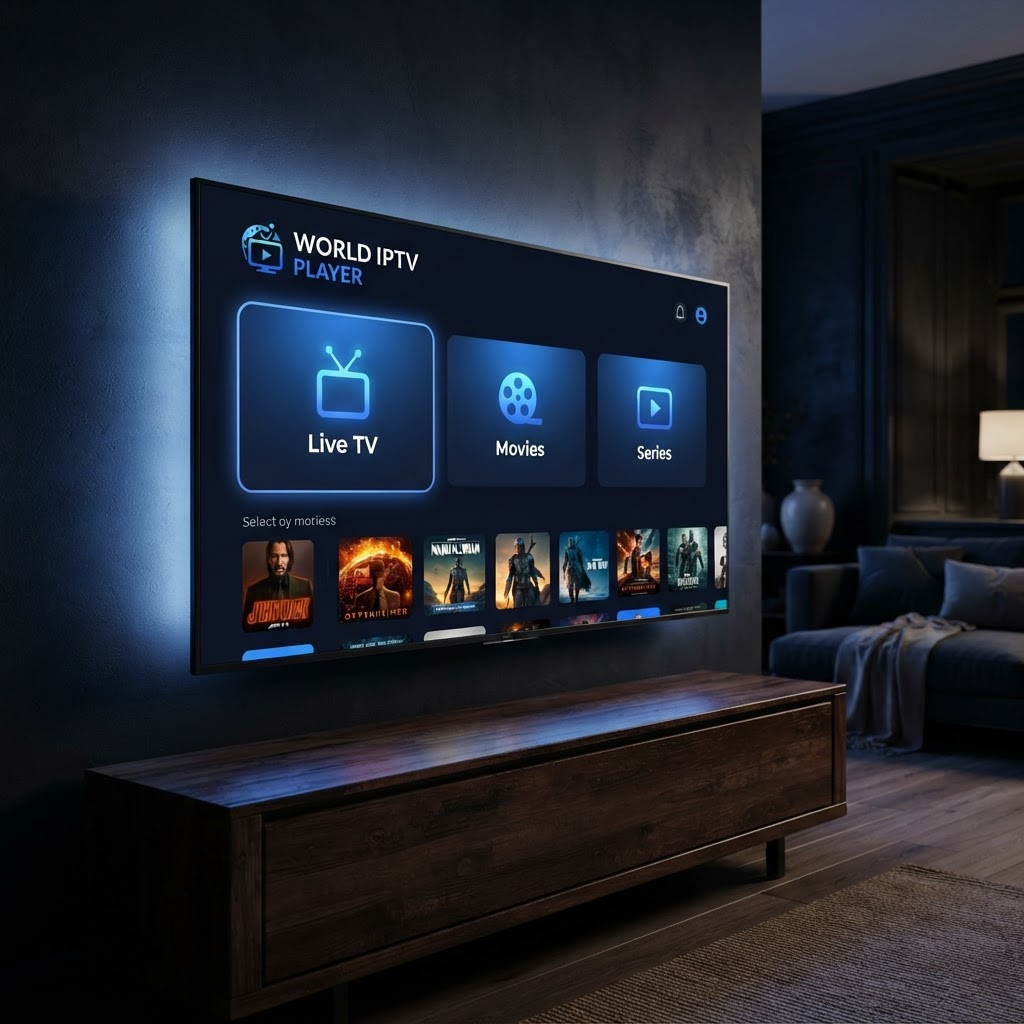
Everything you need to watch
A polished player for the content you already have. Add your provider's playlist and enjoy.
World IPTV Player supports most standard M3U and Xtream Codes providers, but access depends on the user's own provider, valid credentials, and provider rules.
Live TV
Stream your provider's live channels with categories and instant search.
Movies (VOD)
Browse and play on-demand movies with posters and genres.
Series
Full series with seasons and episodes, organized automatically.
Xtream, M3U & streams
Add Xtream Codes logins, M3U URLs, or a single stream link.
Your data, your playlist
We never provide content. You use your own provider's playlist.
Built for every TV
A clean, remote-friendly interface designed for the big screen.
How activation works
The app and website are connected through your device MAC address — just like the pros.
Open the app on your TV
Install World IPTV Player and open it. Your 20-day free trial starts automatically and your device MAC is shown at the top.
Visit worldiptvplayer.com
On your phone or computer, go to worldiptvplayer.com and enter the MAC address from your TV.
Add your playlist
Paste your Xtream login, M3U URL, or stream link from your IPTV provider.
Start watching
Return to your TV, refresh, and enjoy Live TV, Movies and Series.
Apps & Downloads
Start watching today in your browser — dedicated apps for every platform are coming.
Web App
Watch instantly in your browser — nothing to install. Works on any device with a browser: phone, computer, or smart TV.
Open Web AppPC / Laptop
Download World IPTV Player to your Windows, Mac, or Linux computer. It gets its own icon and window — just like a desktop app.
Android Mobile
A native Android app for phones is on the way.
iPhone / iPad
An iOS app for iPhone and iPad is on the way.
Android TV
A remote-first app for Android TV, Google TV, and Fire TV is on the way.
Smart TV
Apps for Samsung (Tizen) and LG (webOS) smart TVs are on the way.
One activation covers your device — use World IPTV Player wherever you watch.
Frequently asked questions
Quick answers before you get started.
Does World IPTV Player include any channels?
No. World IPTV Player is a media player only — it plays the playlist you add from your own IPTV provider. We do not provide, sell, or resell any channels, movies, series, or subscriptions.
Which playlist types are supported?
Most standard providers work: Xtream Codes logins (server URL + username + password), M3U/M3U8 playlist links, and single stream URLs. Access always depends on your own provider, valid credentials, and provider rules.
How does the free trial work?
Your 20-day free trial starts automatically the first time you open the app — no card, no sign-up. After the trial, activate your device for 1 full year using PayPal or card.
What is a MAC address and where do I find it?
It's a unique ID for your device, shown at the top of the app screen (like 02:1A:2B:3C:4D:5E). You use it on this website to add playlists and activate — the app on your TV updates automatically.
Can I use more than one playlist?
Yes. Save as many playlists as you like and switch the active one anytime — from the Manage Playlists page here, or directly on your TV under My Playlist.
My playlist doesn't load — what should I check?
First verify your details are exactly as your provider gave them (URL, username, password). If they're correct, your provider may be offline or may block certain networks — the app shows a clear message for each case, and trying again later often helps.
World IPTV Player is a media player application only. We do not provide, sell, host or resell any TV channels, streams, movies, series or IPTV subscriptions. All content is supplied by your own provider via the playlist you add. By using the app you agree to our Terms of Service.